Customers do not want another login unless it gives them clarity. A good portal answers simple questions: what do you need from me, where does this stand, who has the next action, and what changed since last time?
That is why many portals fail. They are disconnected from the internal process. The customer sees a polished surface, while the team still updates spreadsheets, sends emails, and manually reconciles status.
What an AI-generated portal should include
The portal should show only what the external person needs: requests, files, milestones, comments, approvals, or invoices. The internal team should keep private notes, routing logic, and operational data in the same underlying system without exposing it.
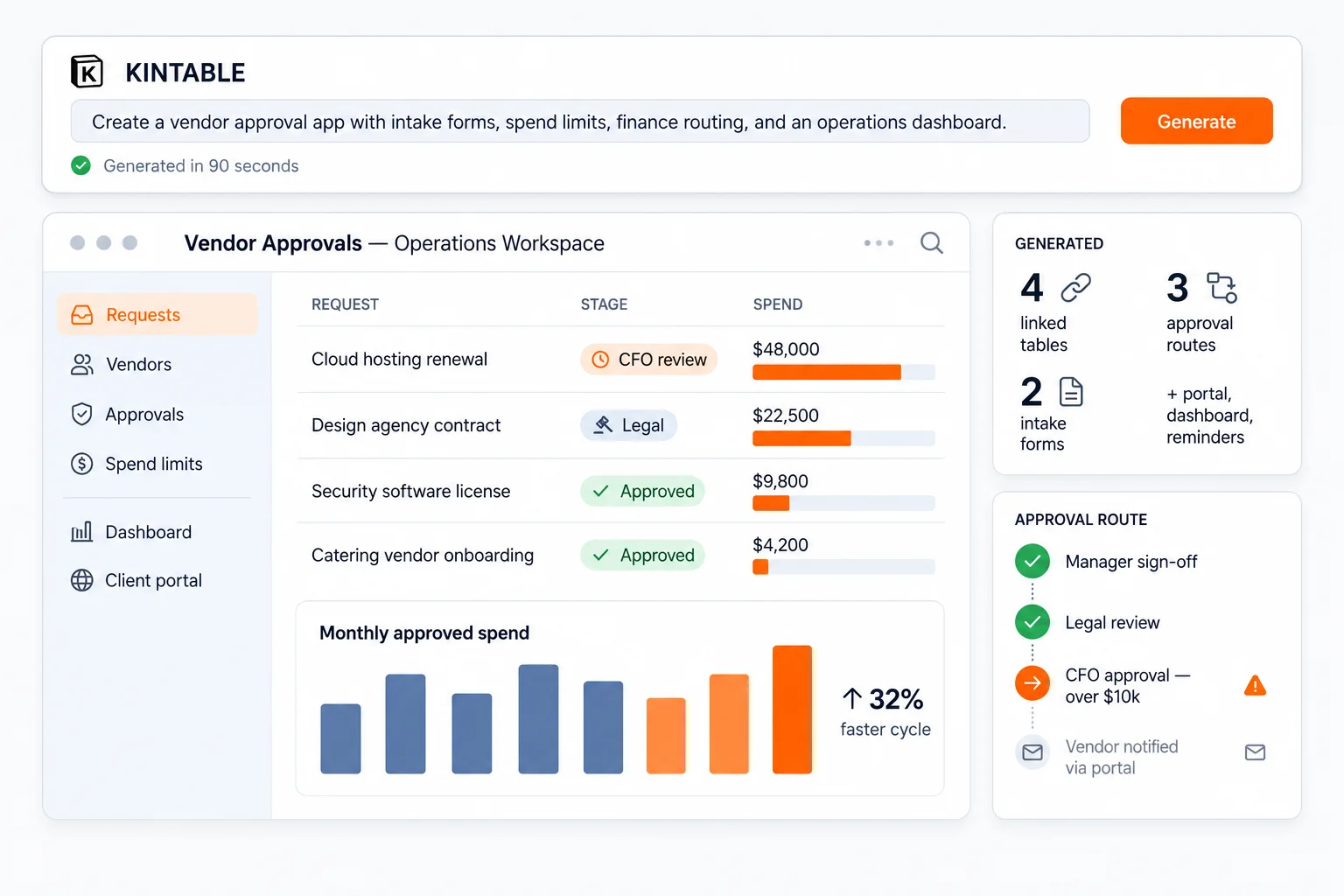
Kintable can generate both sides together: the customer portal and the internal workspace. That is the difference between a portal page and a working client system. For the category overview, see the AI client portal builder page.
Use cases that fit
Client onboarding, agency deliverables, vendor management, partner registration, healthcare coordination, field-service requests, and legal intake all benefit from a secure external portal connected to internal work.
If your portal process is agency-specific, see our guide on how to build a secure client portal for an agency.
What to avoid
Avoid portals that require duplicating data from the internal system. Avoid portals where every customer becomes a paid internal user. Avoid portals that cannot enforce access rules at the data layer.
The portal should reduce coordination work, not create another system to maintain.
A prompt to try
"Create a client portal where customers can submit kickoff details, upload files, see milestone status, and respond to approval requests. Keep internal notes private and alert the account owner when the client is waiting."
That prompt tells Kintable the outcome, the roles, and the boundary between external and internal work.