Tool sprawl rarely starts as a strategic mistake. A team adds Shopify for orders, Stripe for billing, QuickBooks for finance, Gmail for customers, Slack for internal updates, and HubSpot for leads. Each tool does its job. The gaps appear between them.
Those gaps become manual work: copy this value, update that status, check whether finance saw the request, ask the customer for the same file again.
The difference between automation and a system
Traditional automation tools move data from one place to another. That helps, but it does not always create shared context. If a Shopify order triggers a Gmail email and a QuickBooks draft, where does the team see the full story? Who owns the exception? What happens if one step fails?
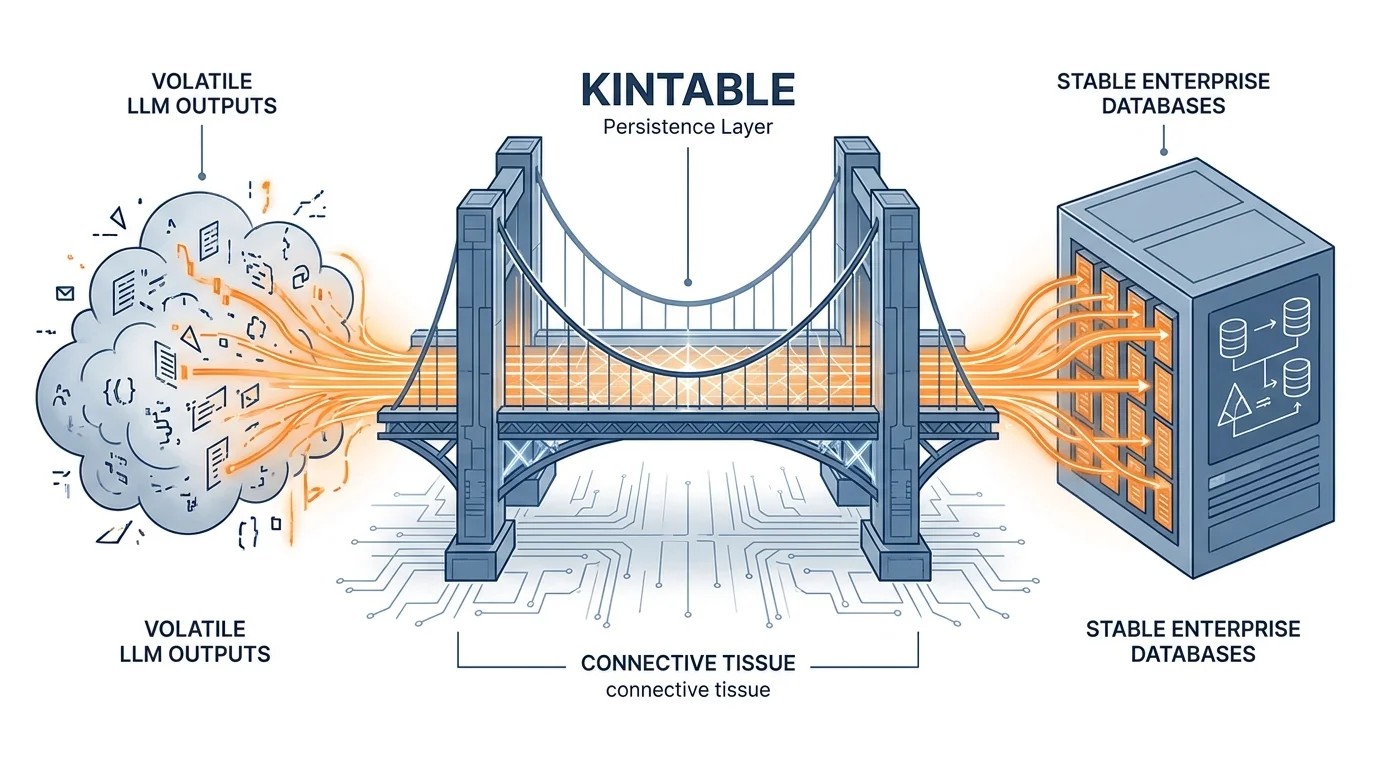
Kintable treats integrations as part of a larger business system. The connected tools become inputs and actions around one record of work.
What to describe
A useful integration prompt names the event, the rules, and the result: "When a Shopify order over $500 arrives, check whether the customer exists in HubSpot, notify finance in Slack, draft the invoice in QuickBooks, and track the customer follow-up in one place."
That is more valuable than a simple trigger because it tells the AI what the team is trying to run.
Where this creates leverage
Connected systems are especially useful for revenue operations, customer onboarding, vendor management, order exceptions, finance reviews, partner workflows, and support escalations. These processes cross tools by nature, so the system must understand the handoffs.
See the Kintable integrations page for examples of common tool connections.
What good looks like
A good connected system does not force people to remember the process. It gives each role the right view, keeps status current, and records the important events. AI helps by creating the first draft of that system from the business rule, not from a blank canvas.
Connect the tools behind the work
Describe the handoff. Kintable creates the system to run it.
Launch