One intake form
A single request form that adapts fields to the request type — IT, facilities, access, equipment, or general.
Internal Requests
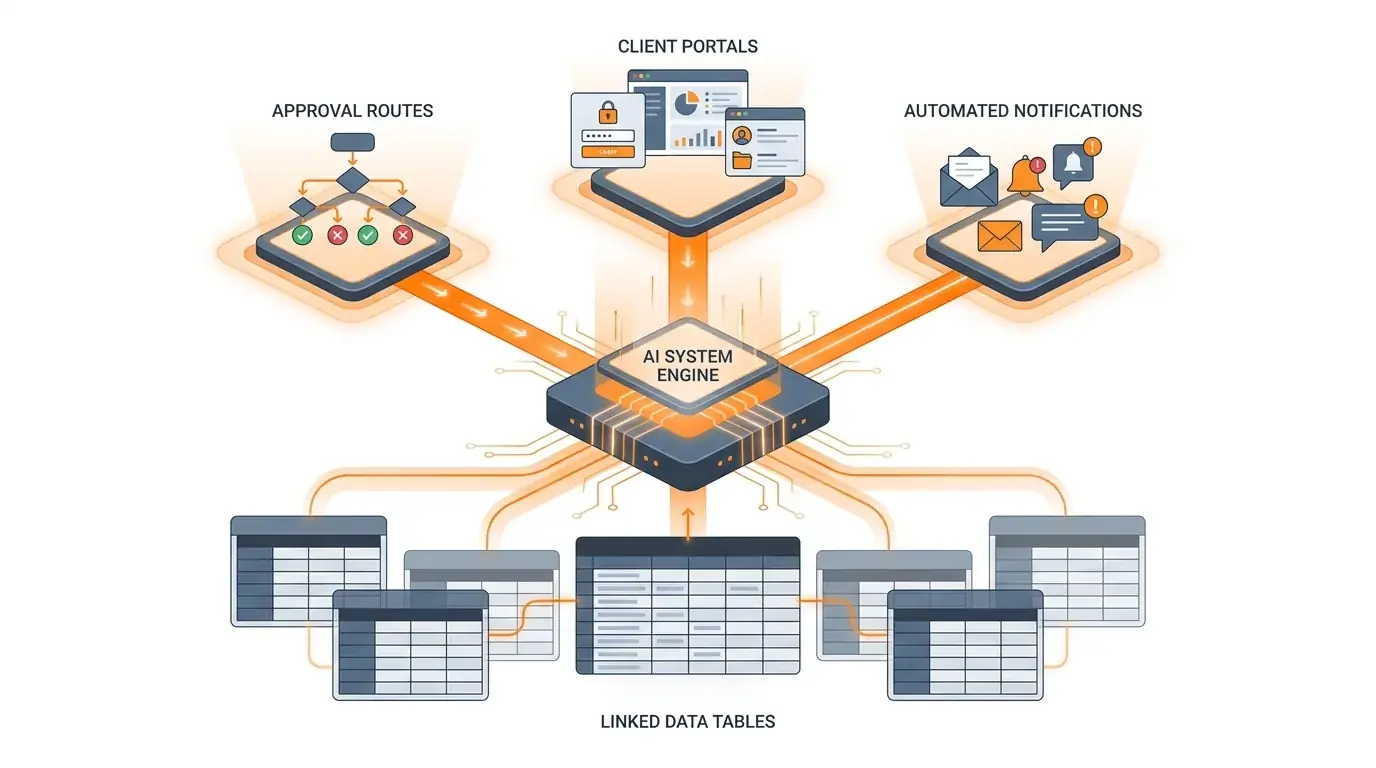
IT tickets, facilities issues, access requests, equipment, and one-off asks usually scatter across Slack, email, and spreadsheets. Kintable generates a single governed system: one intake form, routing by request type, the right approvals, and a live view of every open request — from a plain-English description.
Browse more examples in the workflow prompt gallery.
The short answer: Internal request management software gives employees one place to submit IT, facilities, access, and procurement requests, then routes each type to the right team with the right approvals and a visible status. Kintable is designed to generate that system — intake form, conditional routing, approvals, notifications, and a resolution dashboard — from a plain-English description, with an audit trail and permissions built in.
This is the kind of plain-English prompt that generates a working system.
"Create an internal request system where employees submit IT, facilities, and access requests through one form, route each type to the right team, require manager approval when needed, send status updates, and track every request to resolution in a dashboard."
Here is what the description above is designed to produce.
A single request form that adapts fields to the request type — IT, facilities, access, equipment, or general.
Each request routes to the owning team, with manager or budget approval added only where it is required.
Requesters get automatic updates; owners get reminders on aging or SLA-breaching requests.
A live view of open, in-progress, and closed requests by team, type, and age.
Permissions, an audit trail, SSO, and SCIM so internal requests stay accountable as volume grows.
Requests, approvals, owners, and history connected in one system instead of scattered across tools.
After the first draft, describe changes and Kintable adjusts the system.
Honest guidance so you pick the right tool.
Short, standalone answers for operations teams.
About Kintable: an AI-powered B2B operations platform (kintable.ai) that builds governed workflow systems from plain-English prompts.
Internal request management software gives employees one place to submit internal requests — IT, facilities, access, equipment, or procurement — and routes each to the right team with the right approvals and a visible status. It replaces scattered Slack and email threads with a single accountable system.
Kintable is designed to generate a unified intake form, routing by request type, conditional approvals, status automations, a resolution dashboard, and an audit trail — connected as one governed system with permissions, SSO, and SCIM available.
Yes. You can add a self-service status view or portal so employees can check where their request stands without emailing the owning team, and owners get reminders on aging requests.
No. You describe the request process in plain English and Kintable generates the form, routing, approvals, and dashboard. You refine it by describing changes, without code or database design.
Kintable will draft it around your workflow: data, forms, approvals, automations, portals, and dashboards.