Procurement & vendors
Vendor approval system
"Create a vendor approval system with supplier intake, NDA and insurance upload, spend-threshold routing, finance and legal review, a vendor status portal, Slack alerts, and monthly approval reporting."
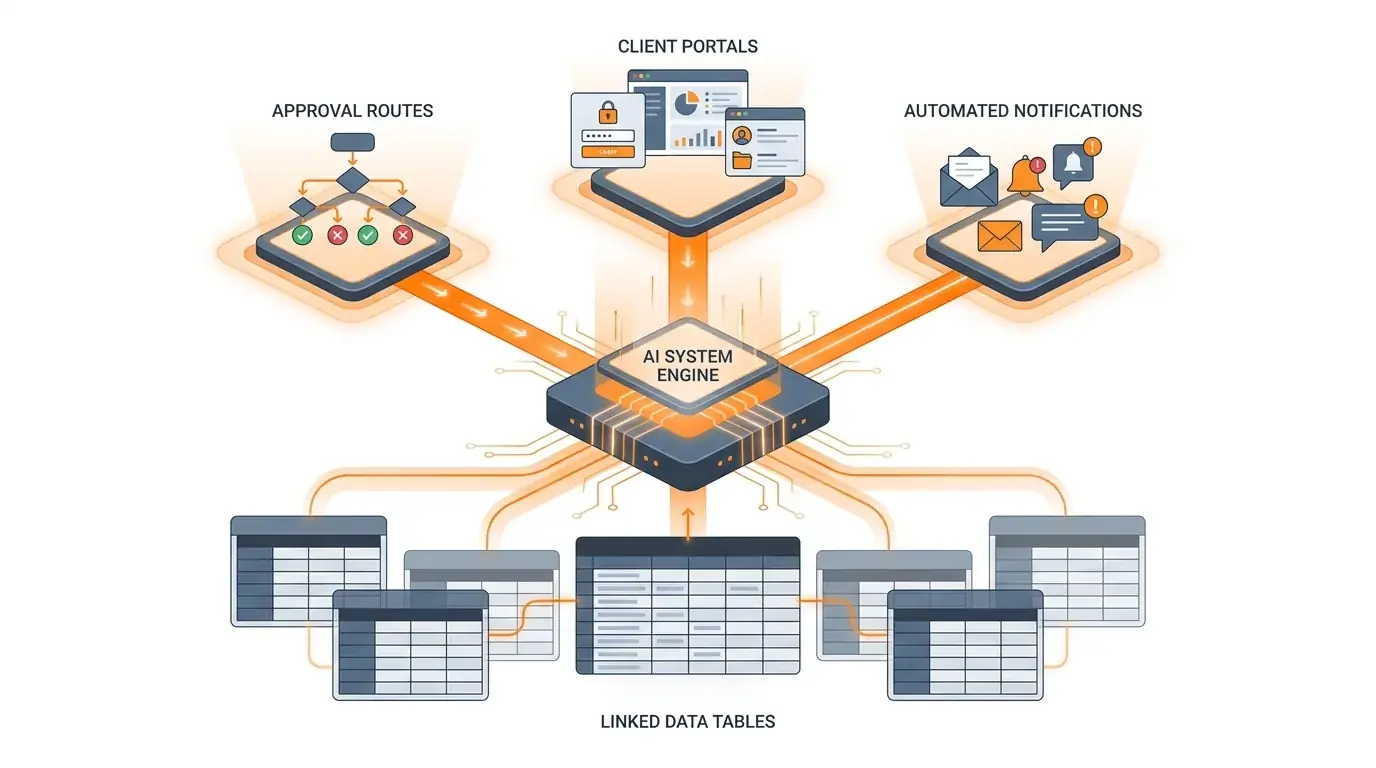
Generates: supplier records, an intake form, conditional finance/legal routing, a vendor-facing portal, notifications, and an audit trail.
Procurement & spend
Purchase order & procurement workflow
"Create a purchase order workflow with a request form, budget and spend-tier approval routing, vendor authorization, PO generation, finance sign-off above $5,000, and QuickBooks sync."
Generates: PO records, a request form, spend-tier routing, vendor authorization steps, automated sign-off, and accounting integration.
Customer success
Client onboarding system
"Create a client onboarding system with a kickoff intake form, document collection, internal task routing by role, a branded client status portal, automated email updates, and a health dashboard."
Generates: client and task records, an intake form, role-based routing, a client portal, status automations, and a dashboard.
HR & people ops
Employee onboarding workflow
"Create an employee onboarding workflow with a new-hire intake form, department-based task routing, IT provisioning requests, document collection, e-signature tracking, and a manager progress dashboard."
Generates: new-hire records, an intake form, department routing, IT provisioning tasks, document tracking, and a dashboard.
Finance
Expense approval workflow
"Create an expense approval workflow with a submission form, receipt upload, spend-tier approval routing, manager and finance sign-off, policy-exception flags, automated status emails, and an audit log."
Generates: expense records, a submission form, spend-tier routing, sign-off steps, exception handling, and an audit trail.
Support & operations
Support escalation workflow
"Create a support escalation workflow with a ticket intake form, priority and SLA-based routing, tiered escalation to senior support and engineering, customer status updates, and a resolution audit log."
Generates: ticket records, an intake form, priority/SLA routing, tiered escalation, customer notifications, and an audit trail.