
Goals
Define what each workflow is trying to achieve, who owns it, what good looks like, and which thresholds require review.
Platform Capabilities
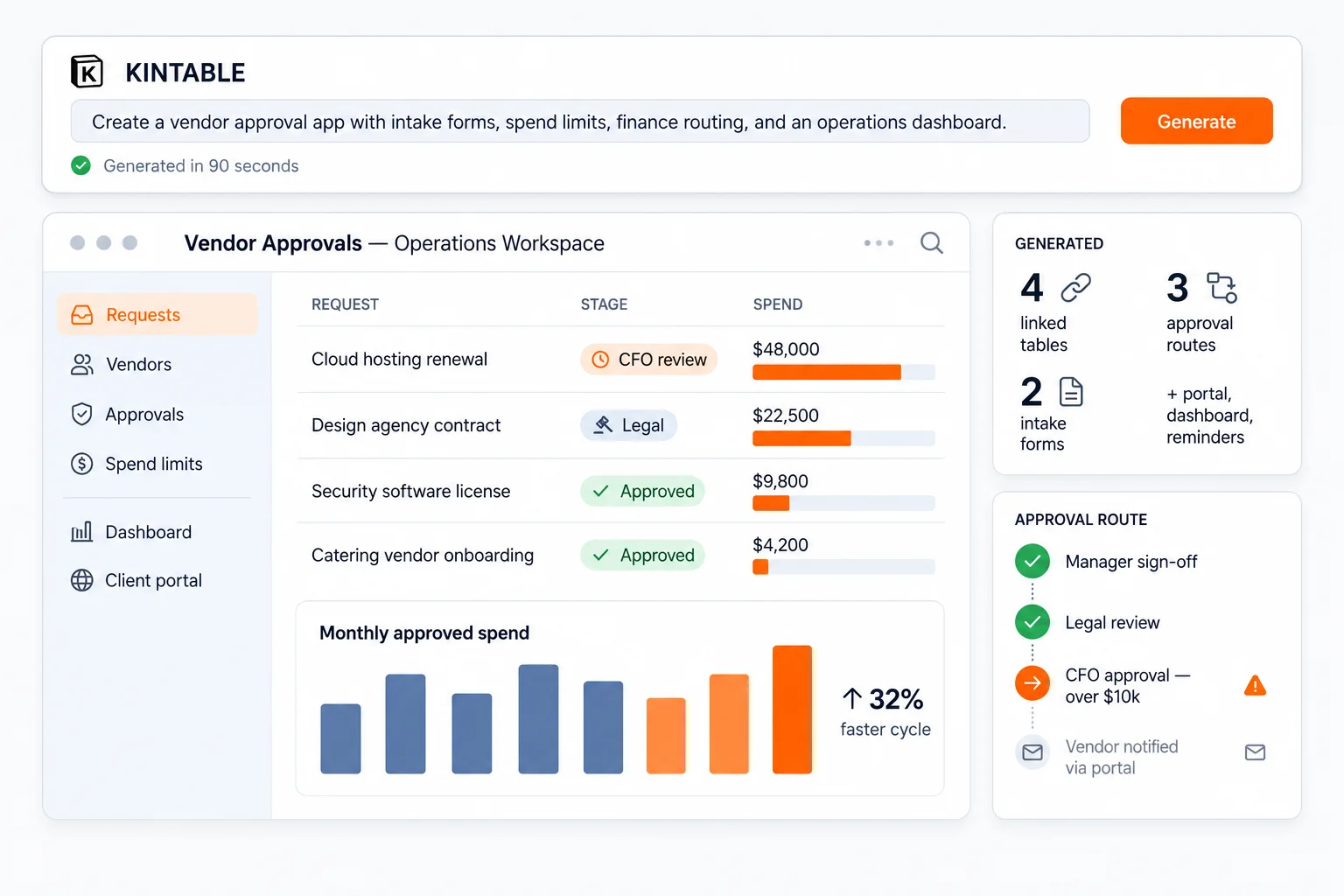
Kintable consolidates goals, operating context, task routing, client intake forms, governed actions, decision history, and performance dashboards into a single no-code system. Start from prompts instead of blank pages.
Autonomous work does not start with agents clicking around your tools. It starts with clear goals, trusted context, governed actions, decision memory, and feedback your team can inspect.
Define what each workflow is trying to achieve, who owns it, what good looks like, and which thresholds require review.
Bring together records, files, prior decisions, current status, budgets, people, and connected tools in one governed workspace.
Codify SOPs, approval skills, notifications, webhooks, and safe tool actions across email tools, calendars, CRMs, databases, and finance systems.
Record what happened, who approved it, what data changed, and why — so humans and AI can review the system's judgment.
Use audit trails, dashboards, exceptions, and outcome patterns to improve the next loop without losing governance.
Kintable's position: we are not selling unsupervised autonomy. We help teams build the governed operating system where AI can understand goals, act safely, remember decisions, and improve with feedback.
Review enterprise governanceSkip the overhead of stitching tools together. Kintable combines governed data, automations, integrations, and role permissions in one system. For the category overview, see our AI system builder page, or read the deeper guide to AI business systems from one prompt.
Type a plain-text prompt, and Kintable automatically creates the tables, columns, formulas, and dashboards.
Connect client accounts to onboardings and invoices. Maintain full data integrity across columns.
Trigger actions when statuses change. Send email notifications, schedule reminders, and synchronize webhooks.
Configure clean detail cards, status check queues, and project timelines scoped for distinct user roles.
Publish client onboarding forms or intake pages that write data directly to your database.
Restrict data exports, lock layout settings, configure SAML logins, and review audit history logs.
Kintable is built for serious operational workloads, with enforced relational schemas and point-in-time database snapshots.
Review enterprise controls See all use cases →The details that matter before you build on Kintable.
One workspace with an AI base designer, relational tables, automation scripts, role-scoped staff interfaces, secure public forms, and central governance — SAML SSO, audit logs, and export controls. Every part reads from the same relational data, so nothing is entered twice. See views & layouts for how teams consume it.
Type a plain-text prompt describing the process — the records, who approves what, what "done" looks like. Kintable generates the tables, columns, formulas, views, automations, and dashboards together. Refine by prompting again or editing directly. Try the live demo on the homepage.
Capacity, API, automation, security, and integration requirements are reviewed during the technical evaluation. Contact us to define the technical evaluation criteria.
Yes — custom JavaScript automation steps, a full REST API, webhooks, and direct connections to relational databases, data warehouses, and data platforms. See integrations & API.
Tell Kintable the fields, tables, permissions, and dashboards you need. Launch a working system after your team reviews it.